
You approve every cleanup
Scanning never changes data, and each cleanup waits for your confirmation. On a client site, that one pause separates a tidy database from a broken plugin.
901, Shapath V, Sarkhej - Gandhinagar Hwy, opp. Karnavati Club Road, Prahlad Nagar, Ahmedabad, Gujarat 380015.
Call On Mail UsFind out what is bloating your WordPress database, then clean it safely. Scan, review and clean in batches, with nothing deleted until you confirm.
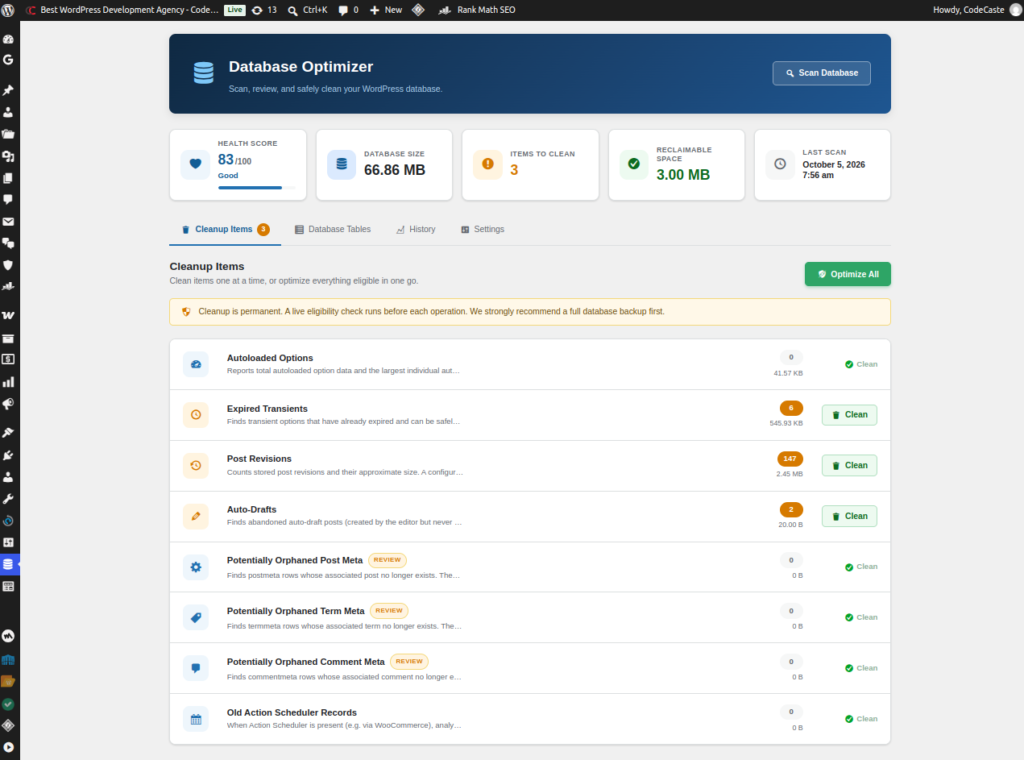
Scanning never changes data, and each cleanup waits for your confirmation. On a client site, that one pause separates a tidy database from a broken plugin.
Cleanup runs in batches you control, so sites with huge transient, revision or Action Scheduler tables are processed without overloading the server.
WordPress does not record which plugin owns a custom table or meta row. So the plugin labels what it finds honestly and asks you to review before removing it.
The screens you will actually click through after install. No hero image repeats here.
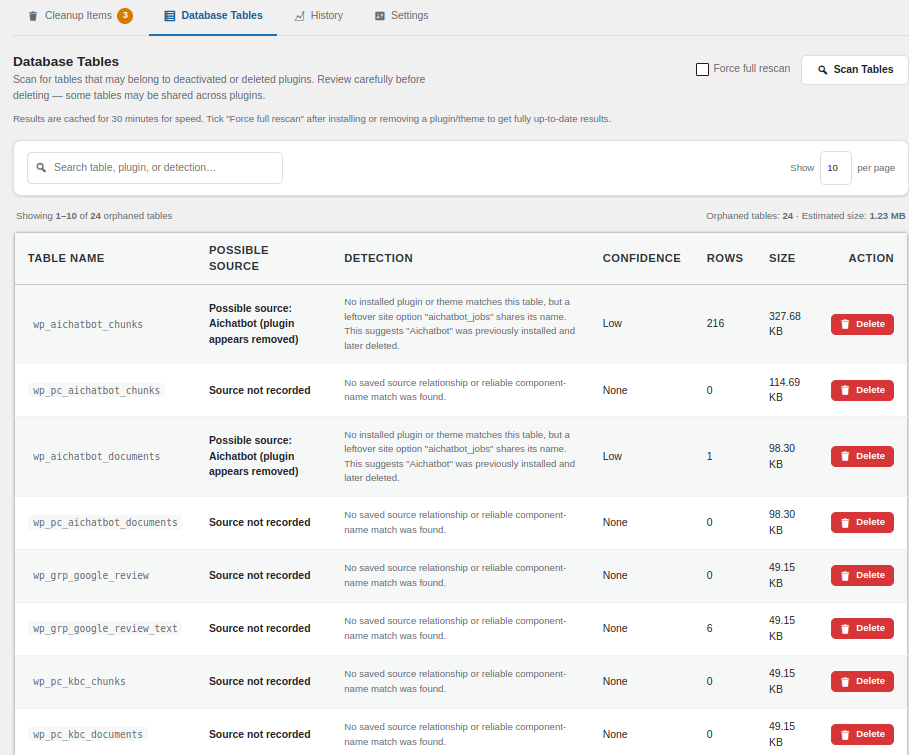
Every WordPress database grows quietly. Expired transients pile up, old revisions stack by the dozen, plugins leave orphaned meta behind, and a store running Action Scheduler can collect hundreds of thousands of finished task records. Before long the site feels slower and nobody can say which table is the culprit.
Database Cleaner & Optimizer shows you what is making your database large, then lets you clean it safely. The workflow is strict: Scan, Analyze, Review, Clean. Scanning never modifies your data. Every cleanup needs your explicit confirmation and runs in small, batched steps, so it keeps working on large databases without hitting PHP timeouts.
Records that might be orphaned are labeled potentially orphaned on purpose, so you review them before anything is removed. The plugin never deletes automatically and never optimizes on its own.
Take a database backup before any cleanup. Dropping a database table requires typing the exact table name and runs a fresh reference scan immediately beforehand. Table detection is described as possible orphan detection, not proof, because WordPress and MySQL do not record which plugin created a custom table. The health score is an indicator, not an absolute measurement, so large legitimate tables such as WooCommerce order tables are not automatically treated as unhealthy.
A simple 0 to 100 score based on autoloaded data, table sizes, expired transients, revisions, orphaned metadata and Action Scheduler buildup, shown on a single-page dashboard.
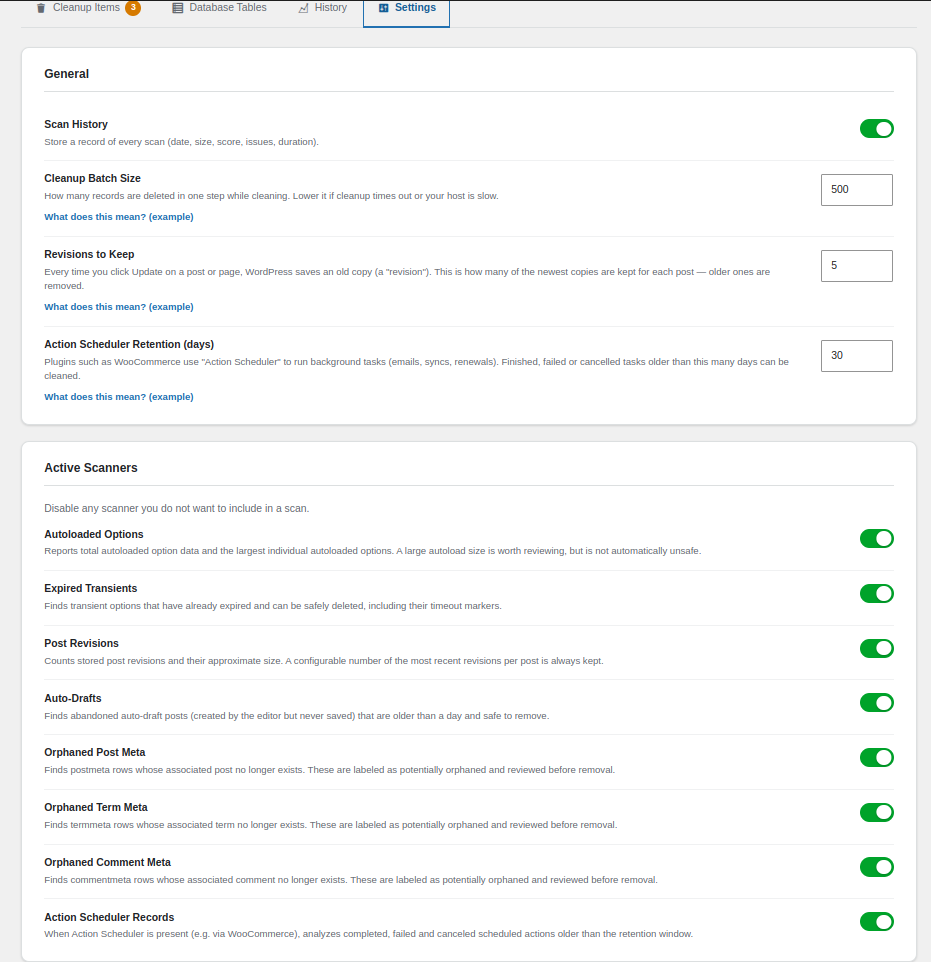
Autoloaded options, expired transients, post revisions, auto-drafts, orphaned post, term and comment meta, and Action Scheduler records, each switchable on or off.
See record counts and estimated size per item, then clean one item or run Optimize All, with confirmation on every destructive action.
Cleanup runs in small steps with a configurable batch size, so large databases finish without PHP timeouts.
Flags possible leftover tables from removed plugins and themes, and requires the exact table name before any table is dropped.
Every scan is logged with date, size, score, issues found and duration so you can track database health over time.
Everything you need to know before running a cleanup on a client site.
Install Database Cleaner & Optimizer, open DB Optimizer in wp-admin and click Scan Database. Review each item under Cleanup Items, then clean a single item or use Optimize All and confirm.
No. Scanning never modifies data, and cleanup only runs after you review and explicitly confirm an action. The plugin never performs automatic optimization.
Yes. A backup is recommended before any cleanup. Cleanup actions remove records permanently, so keep a restore point.
Yes. Cleanup runs in configurable batches (500 records per step by default), so large databases are processed in small steps instead of one heavy query. Lower the batch size on weak shared hosting if you see errors or timeouts.
It sets how many of the newest revisions are kept for each post. Older revisions become eligible for cleanup. The default is 5, and setting it to 0 means earlier versions of a post can no longer be restored after cleanup.
Yes, when Action Scheduler is present. Finished, failed and canceled actions older than your retention period (30 days by default) can be cleaned. Tasks that are still waiting to run are never touched.
The Database Tables scanner inspects every installed plugin and theme, not only active ones, so tables belonging to an installed but inactive plugin stay protected. Detection is labeled possible orphan, not absolute proof.
The initial release targets standard single-site WordPress installs. Multisite support is planned for a future release, so do not use it network-wide yet.
Deactivating leaves everything untouched. Deleting the plugin removes only its own settings and scan-history records, never your posts, comments, users or other plugins' data.
This is not a ticket that lands in a void. Someone on this team wrote the scanner you just ran, and they still read what comes in.
Walk us through the last thing you did before it failed. We will look for the conflict with you, not send you a canned reply.
If you caught yourself wishing it did something else on a client call, tell us. Those notes from real shops shape the next version.
Ask before you run a cleanup on production. A five-minute question now is cheaper than rolling a live library back on Friday.
Found a bug after a scan, need a change, or have feedback before this goes on a client site? Send it over. We read these ourselves.
901, Shapath V, Sarkhej - Gandhinagar Hwy,
opp. Karnavati Club Road, Prahlad Nagar,
Ahmedabad, Gujarat 380015.
Send us a note
Grab what is ready, follow what is cooking, and tell us what you would use on your next client site.
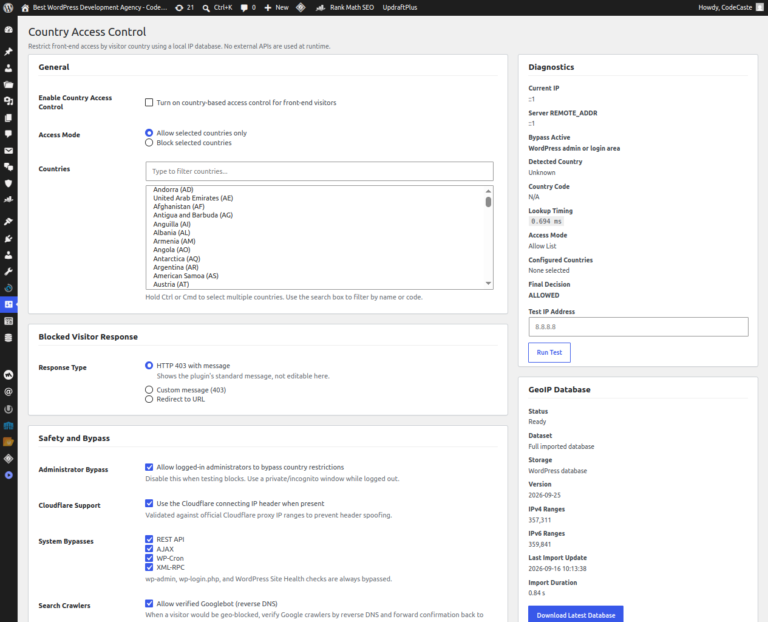
Control website access by visitor country using a local IP geolocation database, with safety bypasses, diagnostics, and controlled…
See details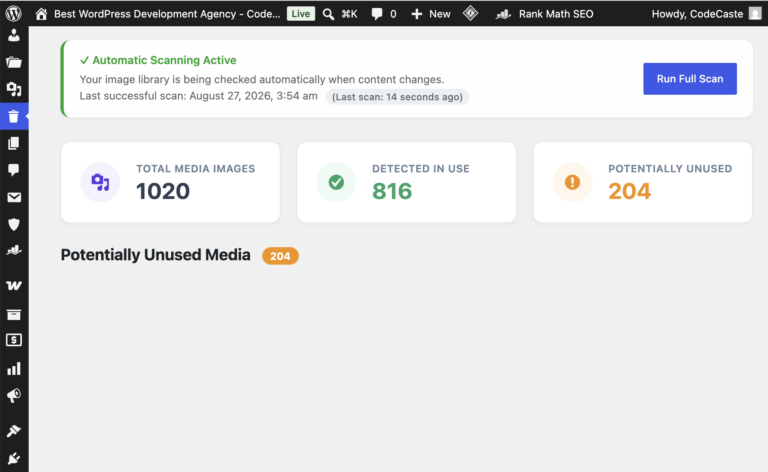
Media libraries fill up quietly between redesigns. This plugin finds what looks unused, then waits for you before…
See detailsTell us where to send the secure download link. One email, then the file is yours.
Your download link is on the way. Check your inbox and spam folder for an email from CodeCaste.