




Gutenberg blocks have become essential tools for building stunning and highly functional WordPress websites with ease. The Gutenberg block editor allows users to create dynamic, visually engaging pages using intuitive drag-and-drop blocks—without any coding. To further enhance this experience, Gutenberg block plugins add powerful features, flexible layouts, and pre-designed blocks, making them some of the most useful WordPress plugins for creating professional websites faster and more efficiently.
In this article, we’ll explore the top 5 Gutenberg block plugins for 2026, highlight their key features, and help you choose the best option to elevate your WordPress site.
What Are Gutenberg Blocks?

Gutenberg blocks are modular content units within the WordPress editor, allowing you to add images, videos, text, forms, tables, call-to-actions, and more with ease. Unlike the classic editor’s single text box, blocks enable:
- Full layout control without coding
- Reusable and customizable content elements
- Seamless integration with modern WordPress themes
- Advanced styling options, such as animations and custom CSS
This modular approach empowers you to create highly personalised and engaging pages efficiently.
How Do Gutenberg Plugins Work?
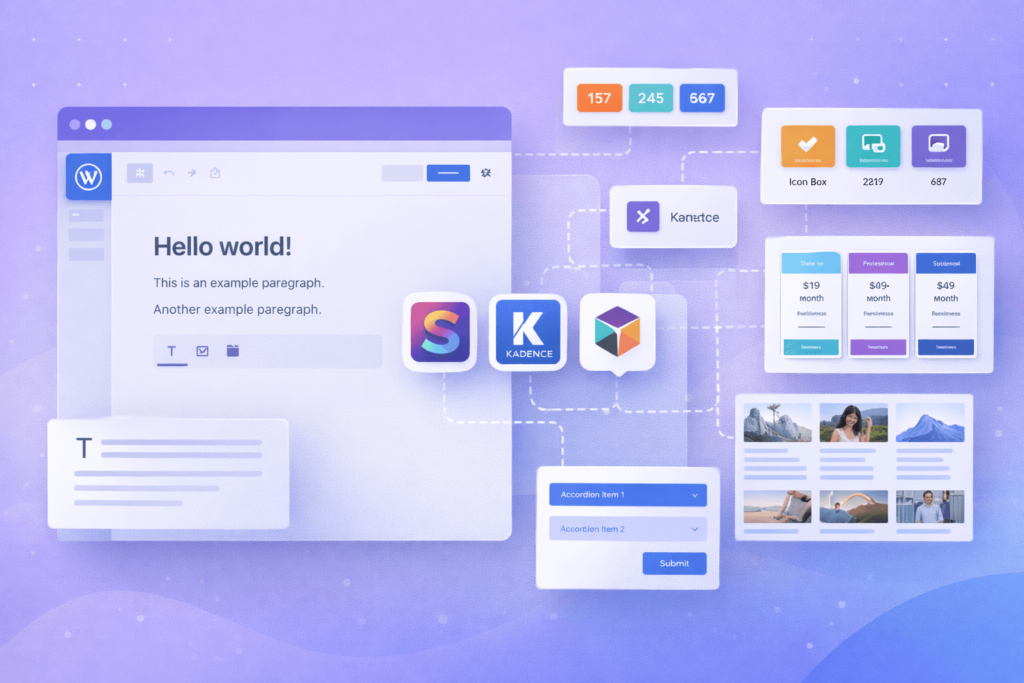
Gutenberg block plugins extend the default editor by adding new blocks or enhancing existing ones. When you install these plugins, you get additional content elements and design tools, including:
- Pre-designed content blocks for quick setup
- Custom layouts and styling options
- Integration with third-party tools (SEO, forms, social media)
- Templates and reusable blocks to improve workflow
Top 5 Gutenberg Blocks Plugins for 2026
1. PublishPress Blocks
Ideal for: Blogs, magazines, and corporate websites needing advanced layouts.
Features:
- 20+ customizable blocks (content grids, accordions, author bios)
- Templates for quick site setup
- Custom CSS per block for design control
- Block editor permissions for user roles
- Fully responsive and compatible with any theme
Price: Free; Pro version from $49/year.
2. Genesis Blocks
Ideal for: Users seeking visually appealing, speed-optimised page sections.
Features:
- Library of pre-built blocks for pages and posts
- Fully customizable fonts and styles
- Easy-to-use intuitive interface
- Speed-optimized designs
Price: Free; Genesis Pro at $360/year with full theme access.
3. Kadence Blocks
Ideal for: Designers focused on performance and complex layouts.
Features:
- Responsive layout grids and Lottie animation support
- Pre-built blocks (tables of contents, forms, testimonials, countdowns)
- Option to deactivate unused blocks for the lightweight editor
- Fast and clean interface
Price: Free; Pro starts at $89/year.
4. Stackable – Gutenberg Blocks
Ideal for: Users wanting a lightweight page builder with design kits.
Features:
- 36+ custom blocks and UI kits
- Optimised for speed with minimal CSS/JS loading
- Integrates with Google Fonts, WPML, and ACF plugins
- Stunning effects like gradients, video backgrounds, and fixed images
Price: Freemium; Premium starts at $49/year.
5. Spectra Gutenberg Blocks
Ideal for: Users who want advanced design blocks and pre-built templates.
Features:
- 30+ Gutenberg blocks and 75+ ready-to-use website templates
- Copy/paste block styles
- Custom styles for Contact Form 7 and Gravity Forms
- Optimized call-to-action buttons
Price: Free.
Advanced Tips for Using Gutenberg Plugins
- Combine Plugins Carefully: Avoid overlap to keep the editor fast.
- Use Templates: Save time with pre-built layouts.
- Optimise for Mobile: Make sure blocks are responsive.
- Leverage Animations Wisely: Use subtle animations to engage users without slowing down your site.
- Keep Plugins Updated: Ensure security and compatibility.
Gutenberg Plugin Checklist
- Compatible with your WordPress theme
- Mobile-friendly and responsive
- Lightweight and fast-loading
- Offers reusable/customizable blocks
- Regular updates and active support
- Integrates with SEO and third-party plugins
Frequently Asked Questions
1. Do Gutenberg plugins affect website speed?
Yes, but modern plugins like Kadence and Stackable load only necessary CSS/JS, keeping your site fast.
2. Can I use multiple Gutenberg block plugins together?
Yes, but avoid overlapping or redundant blocks to prevent clutter.
3. Are these plugins beginner-friendly?
Absolutely. Most feature drag-and-drop interfaces and pre-built templates.
4. Can I create custom Gutenberg blocks?
Yes. Developers can build custom blocks via code or with advanced plugins like PublishPress Blocks.
Conclusion
Choosing the right Gutenberg block plugin is essential for creating professional, fast, and visually stunning websites in 2026. Whether you want pre-built templates, advanced layouts, or reusable blocks, these five plugins offer excellent choices for all skill levels.
For expert WordPress customisation and site building, reach out to our team at CodeCaste to optimise your website for performance, engagement, and conversions.