






Choosing the right website platform is crucial for your online presence. While WordPress powers over 40% of the web, it’s not the perfect fit for everyone. Whether you’re a beginner looking for simplicity or a business seeking specific features, several excellent WordPress alternatives can help you build a professional website efficiently.
This guide explores the top alternatives in 2026, their features, pricing, and who should use them, so you can make an informed decision.
Why Consider WordPress Alternatives?
| Platform | SEO | Speed | SEO Tools | Best For | Starting Price |
|---|---|---|---|---|---|
| Wix | ★★★★☆ | Fast | SEO Wiz, meta tags, redirects | Beginners & small businesses | $16 / month |
| Squarespace | ★★★☆☆ | Moderate | Basic meta tags, XML sitemap | Creatives & portfolios | $16 / month |
| Webflow | ★★★★★ | ⚡ Very Fast | Meta tags, schema, clean code | SEO professionals & developers | $14 / month |
| Shopify | ★★★★☆ | Fast | Canonical URLs, meta editing | Ecommerce websites | $39 / month |
WordPress is a powerful and flexible platform that’s widely used across the web, but many sites suffer from plugin overload and performance issues. However, it does come with a learning curve, requires ongoing maintenance, and involves setting up your own hosting. Some users also move away from WordPress due to security vulnerabilities caused by outdated plugins.
By exploring WordPress alternatives, you can find platforms that:
- Reduce technical complexity
- Provide modern design templates and easy-to-use tools
- Offer faster setup with hosting included
- Cater to specific purposes such as online stores or portfolio websites
These options can make building and managing your website more straightforward, depending on what you need.
1. Wix – Drag-and-Drop Simplicity

When exploring WordPress alternatives, Wix stands out as a user-friendly website builder, especially ideal for beginners who want to create a website without any coding knowledge. Its intuitive drag-and-drop editor makes it easy to design professional-looking websites quickly and effortlessly, making it a great choice for those seeking simplicity and speed.
Key Features:
- 500+ customizable templates
- Drag-and-drop interface
- AI-powered design suggestions
- Mobile and SEO-friendly
- Built-in hosting and SSL
Pros:
- Extremely easy for beginners
- Visually impressive templates
- Inclusive pricing packages
Cons:
- Free plan includes ads
- Templates cannot be switched mid-project
- Limited compared to WordPress plugins
Pricing Plans (2026):
- Combo: $9/month
- Unlimited: $13/month
- VIP: $25/month
Who Should Use Wix?
Ideal for users seeking visually attractive websites without coding. Great for portfolios, personal blogs, and small business sites.
2. Squarespace – Elegant and Professional
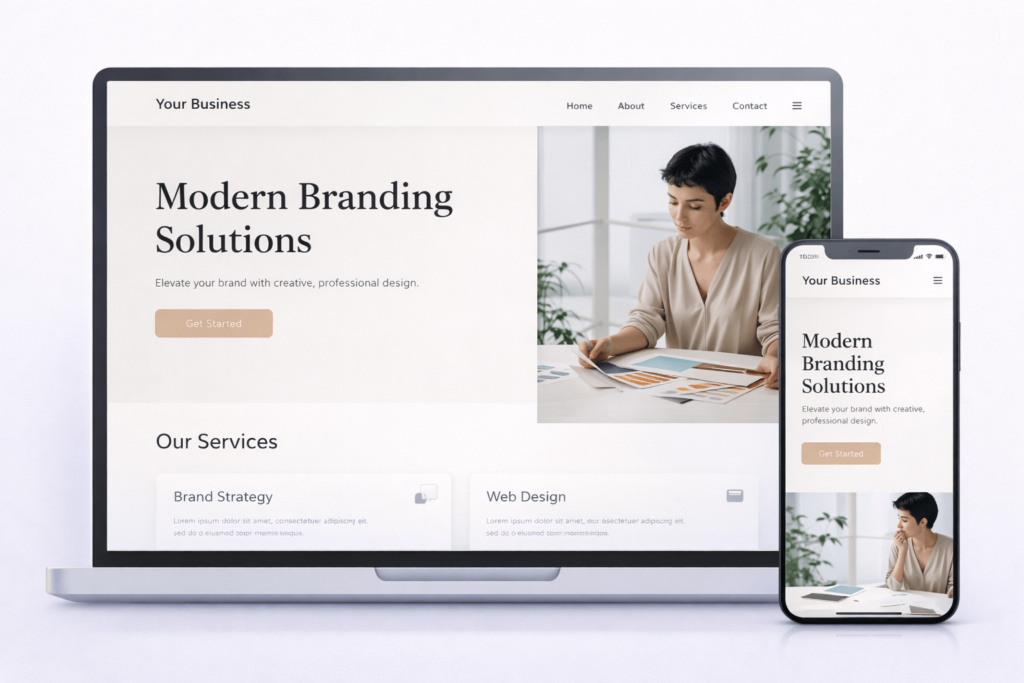
Squarespace provides a complete website builder experience with hosting included, ideal for users prioritising design and aesthetics.
Key Features:
- Modern, customizable templates
- Integrated blogging and e-commerce tools
- Free high-quality stock images
- Mobile-responsive and secure
- Integrated analytics and SEO tools
Pros:
- Professional templates
- Simple, intuitive interface
- SSL, hosting, and bandwidth included
Cons:
- Slightly higher cost than Wix
- Limited plugin ecosystem
- Less flexible than WordPress for custom functionality
Pricing Plans (2026):
- Personal: $12/month
- Business: $18/month
- Basic Commerce: $28/month
- Advanced Commerce: $42/month
Who Should Use Squarespace?
Perfect for personal brands, small businesses, and creatives who want a polished online presence without technical setup.
3. Webflow – Design Freedom for Professionals
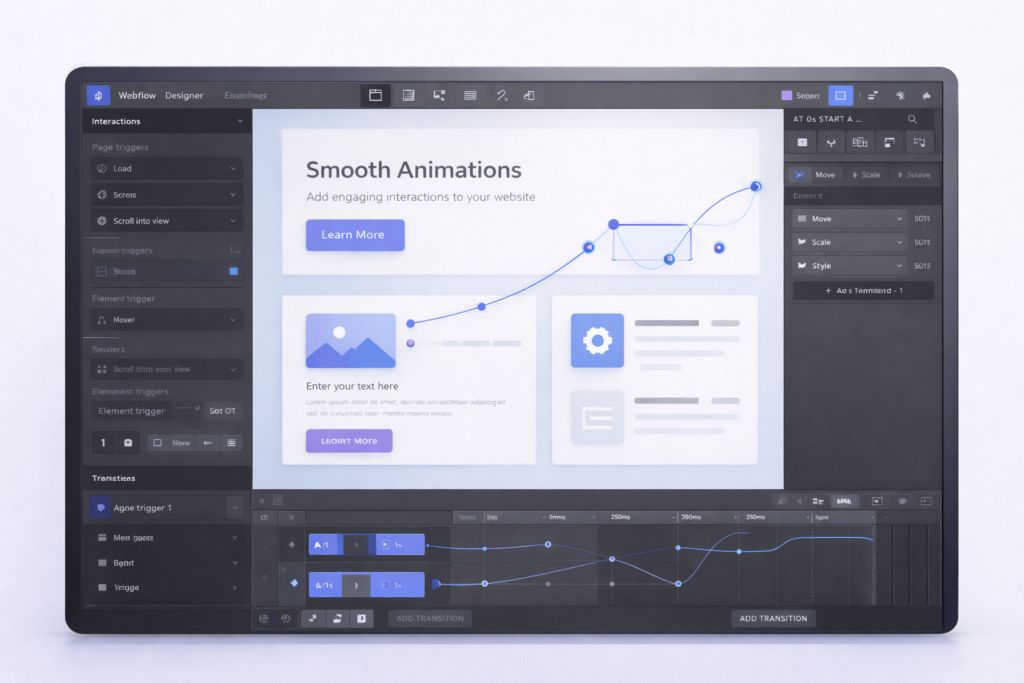
Webflow is a designer-focused platform that blends visual editing with full control over code. It’s ideal for agencies or freelancers who want customizable, responsive, and professional websites.
Key Features:
- Visual design with CSS and HTML control
- Advanced animations and interactions
- CMS capabilities for blogs and dynamic content
- Hosting and SSL included
Pros:
- High flexibility for designers
- No need to code for standard functionality
- SEO-friendly architecture
Cons:
- Learning curve for beginners
- More expensive than Wix or Squarespace
- Can be overkill for simple websites
Pricing Plans (2026):
- Basic: $15/month
- CMS: $20/month
- Business: $45/month
- Enterprise: Custom pricing
Who Should Use Webflow?
Best for designers, agencies, and businesses needing highly customised websites with advanced interactions.
4. Shopify – Best for E-Commerce
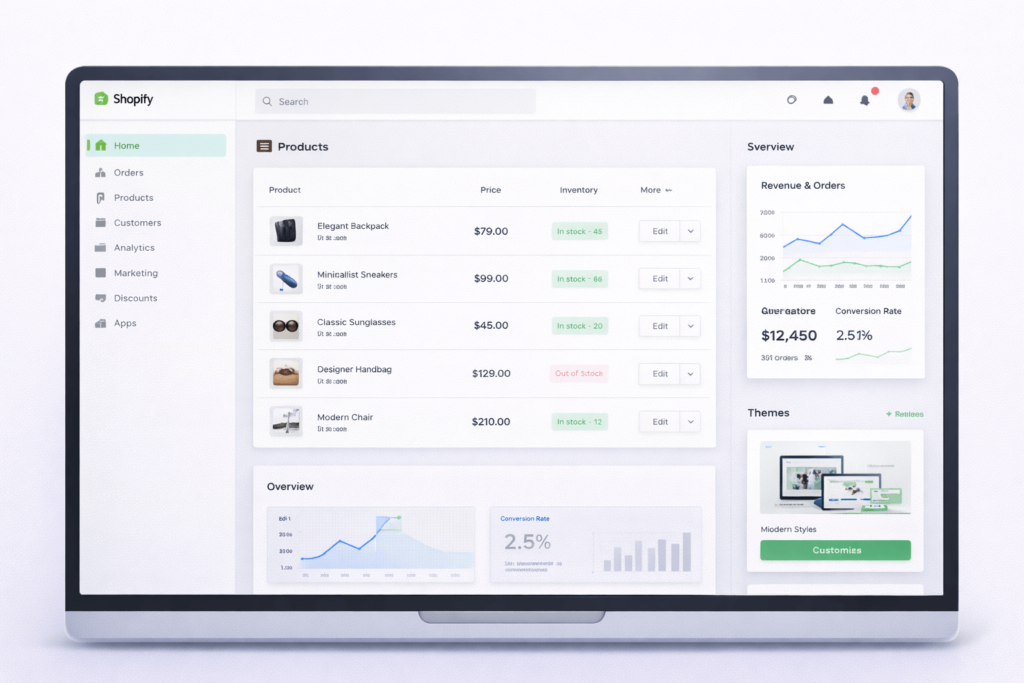
Another strong WordPress alternative is Shopify, the leading e-commerce platform optimised for online stores of all sizes. It offers everything you need—from product management to secure checkout and detailed analytics—making it an excellent choice for businesses focused on selling products online.
Key Features:
- Product and inventory management
- Integrated payment gateways
- Mobile-optimized templates
- App marketplace for extended functionality
- SEO and marketing tools
Pros:
- Easy to set up an online store
- Scalable for small to large businesses
- Extensive support and resources
Cons:
- Monthly fees can add up
- Customisation is limited without code
- Transaction fees, unless using Shopify Payments
Pricing Plans (2026):
- Basic: $29/month
- Shopify: $79/month
- Advanced: $299/month
Who Should Use Shopify?
Ideal for online retailers, drop-shippers, and businesses looking for a scalable e-commerce solution.
Advanced Considerations
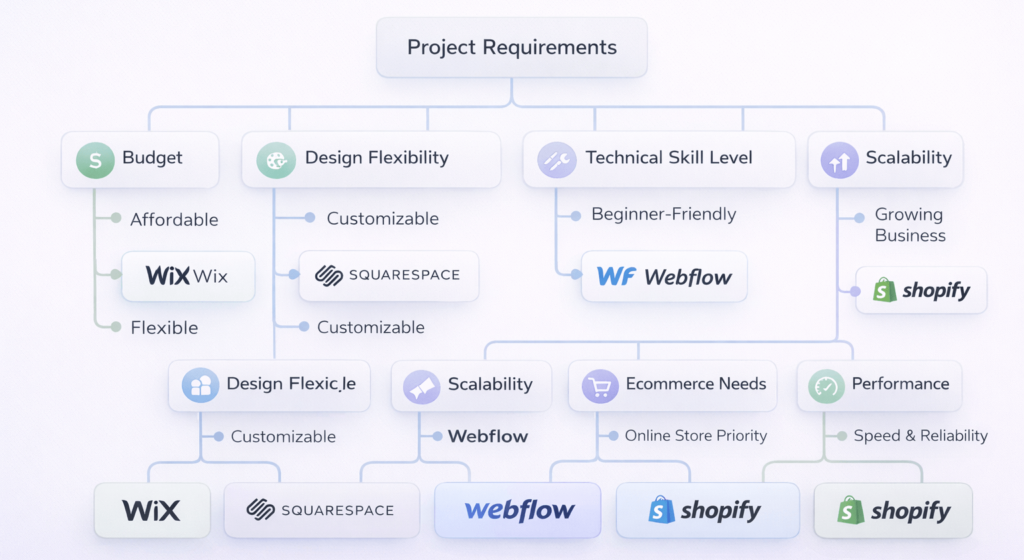
When choosing a WordPress alternative, consider:
- Scalability: Will your website grow in traffic or functionality?
- Customizability: Do you need custom features or integrations?
- Budget: Free vs premium plans, plus add-ons
- Support & Security: How reliable is support, hosting, and updates?
Advanced users might combine multiple platforms for marketing, analytics, and e-commerce.
Checklist: Choosing the Right Platform
When evaluating different WordPress alternatives, make sure the platform you choose offers:
- Beginner-friendly interface – easy to use, even without coding experience
- Hosting and SSL included – so you don’t have to manage servers separately
- Mobile-responsive templates – your site looks great on any device
- SEO tools built in to improve visibility on search engines
- E-commerce ready if needed – ready for online stores or product sales
- Budget-friendly plans – affordable for your needs and growth
Frequently Asked Questions
1. Can I migrate my WordPress site to Wix or Squarespace?
Yes, but some content formatting may need manual adjustments. Plugins and advanced customizations might not transfer directly.
2. Which platform is best for SEO?
WordPress is most flexible, but Wix, Squarespace, and Webflow offer strong SEO tools for most businesses. Shopify is optimized for e-commerce SEO.
3. Are these platforms safe for business websites?
All platforms provide SSL, secure hosting, and regular updates. Webflow and Shopify offer additional enterprise-level security.
4. Can I switch platforms later?
Yes, but migrating content requires planning. The more custom your site, the more complex migration can be.
Conclusion and Next Steps
Choosing the right WordPress alternative depends on your needs, technical skills, and goals. Wix and Squarespace are ideal for beginners and small businesses, Webflow empowers designers, and Shopify dominates e-commerce.
For a tailored solution, consider consulting a professional web development agency to guide your choice and ensure your website is fast, secure, and optimised for growth.