




Every second counts in the digital world. Research shows that a single second of delay in page load time can slash conversions by seven per cent. For WordPress site owners, that’s not just a statistic—it’s money walking out the door while your pages struggle to load.
This wordpress speed optimization checklist is not about chasing perfect test scores or stacking plugins blindly. It is about understanding why WordPress sites slow down, what actually improves performance in 2026, and how to apply each optimization safely and effectively.
This guide is written for:
- Agencies and professionals managing multiple WordPress sites
- Beginners who want clear, actionable steps
- Business owners who care about conversions and rankings
Why WordPress Speed Optimisation Matters in 2026
Google has treated page speed as a ranking factor for over a decade, but modern search goes further. Today, real user experience signals shape visibility across traditional search and AI-powered discovery systems.
Speed affects:
- Search rankings through Core Web Vitals
- User trust and perceived credibility
- Conversion rates and engagement
- Crawl efficiency and indexation
More importantly, users expect instant feedback. Nearly half of visitors will abandon a site that feels slow, and many never return. If you are driving traffic through SEO, ads, or social media, slow performance quietly burns your budget. Speed is not just technical optimisation. It is revenue protection.
What Actually Slows Down WordPress Sites
WordPress itself is not slow. Poor decisions layered on top of it are.
Most performance issues come from a predictable set of problems:
- Hosting is not optimised for WordPress workloads
- Feature-bloated themes load unnecessary code
- Excessive or poorly built plugins
- Oversized, unoptimized images
- No caching or misconfigured caching
- Too many third-party scripts
- Database bloat is accumulating over time
These issues compound gradually. A site that launched fast can become sluggish within a year if performance is not maintained. This checklist addresses each bottleneck systematically.
Step 1: Measure Performance the Right Way
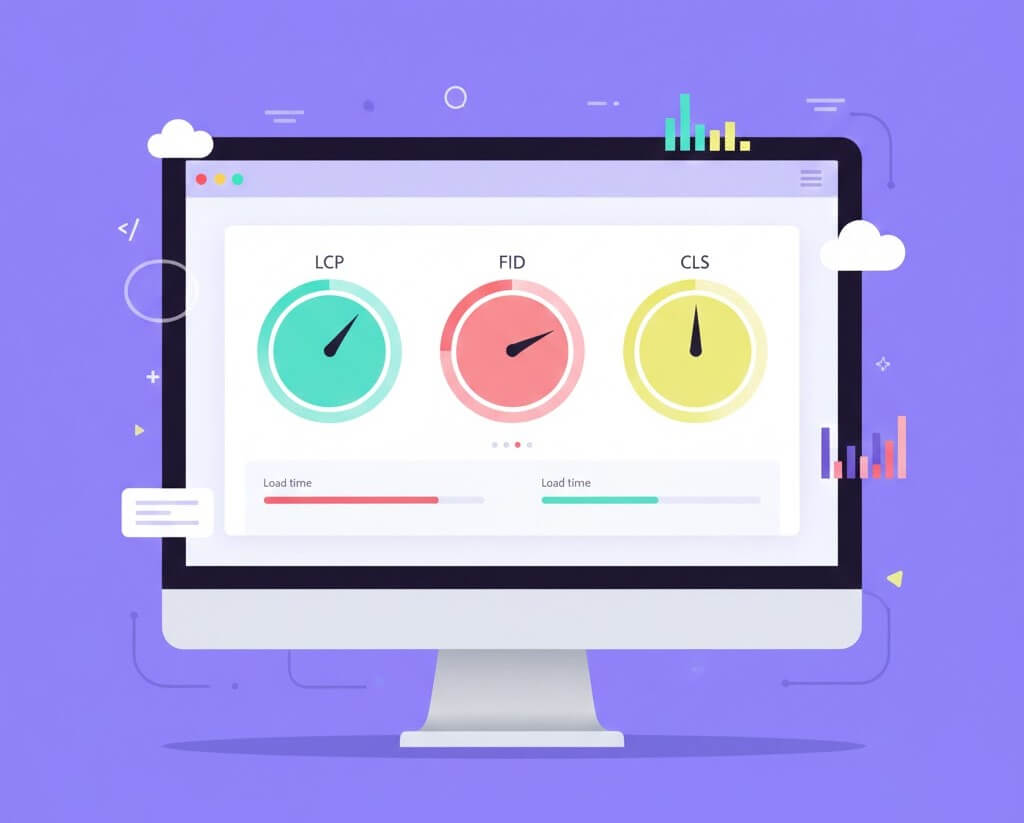
Before optimizing anything, establish a baseline.
Tools worth using together
- PageSpeed Insights for Core Web Vitals
- GTmetrix for request and waterfall analysis
- WebPageTest for advanced testing scenarios
- Google Search Console for real user data
What to focus on
- Mobile results first, not desktop
- Largest Contentful Paint, Interaction to Next Paint, and Cumulative Layout Shift
- Time to First Byte before front-end tweaks
Why this matters
Optimising without measurement leads to guesswork. You need proof that changes improve real user experience, not just scores.
Step 2: Choose Performance-Optimised WordPress Hosting
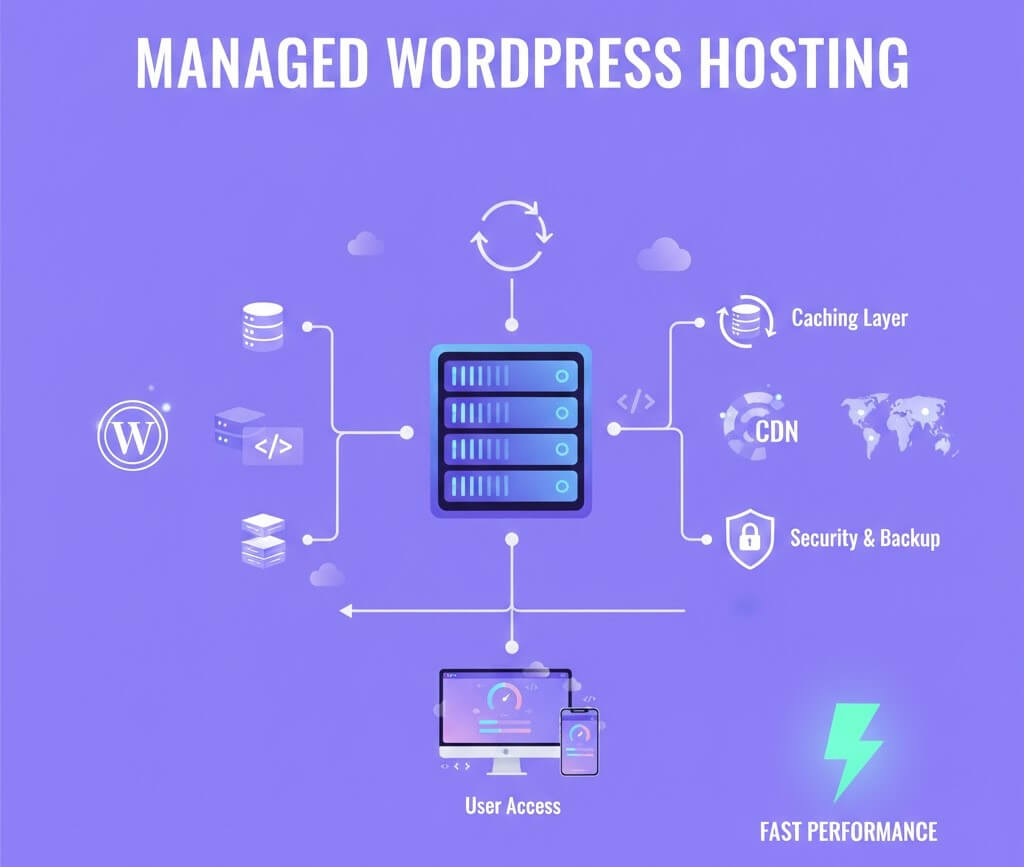
Hosting is the foundation of everything else.
Cheap shared hosting crams hundreds of sites onto one server. When one site spikes traffic or gets compromised, every site slows down.
What to look for in modern WordPress hosting
- Servers tuned specifically for WordPress
- PHP 8.2 or newer
- Built-in server-level caching
- SSD or NVMe storage
- Support for HTTP/3 and modern compression
Managed WordPress hosting often costs more, but it removes infrastructure bottlenecks no plugin can fix.
Why this matters
Hosting alone can account for 30 to 50 per cent of total performance gains.
Step 3: Keep WordPress Core, Themes, and Plugins Updated
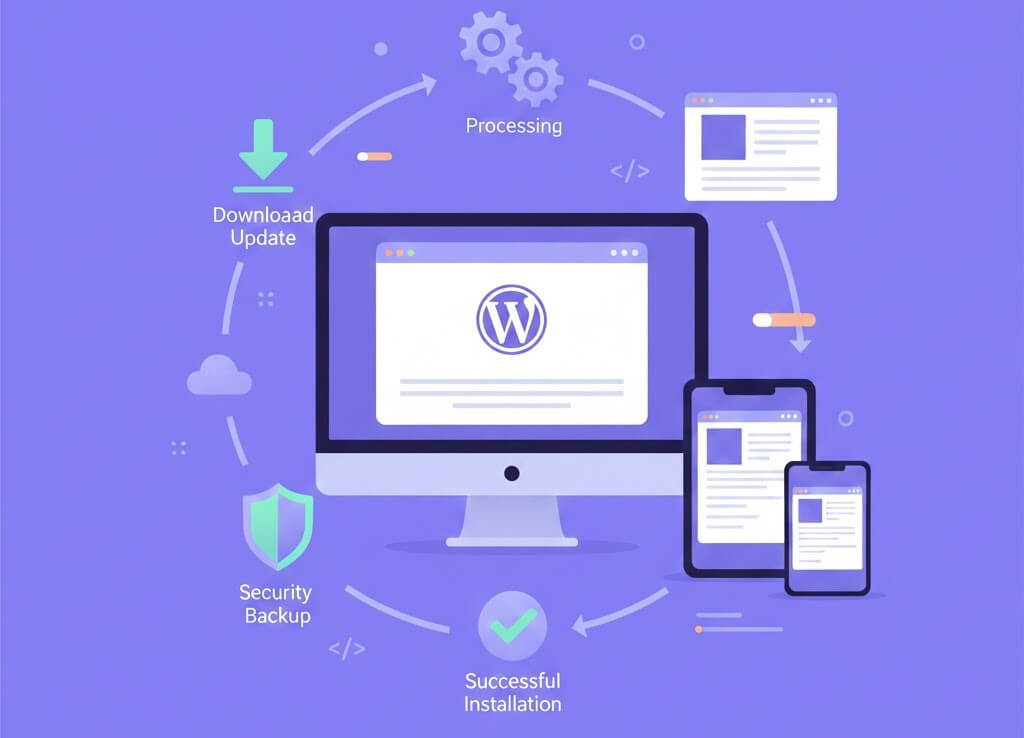
Updates are not just about security.
Modern WordPress updates often include:
- Faster database queries
- Better PHP compatibility
- Reduced memory usage
- Performance-focused bug fixes
Best practices
- Enable automatic minor updates
- Test major updates on staging
- Remove abandoned plugins entirely
Why this matters
Skipping updates means missing free performance improvements baked into newer versions. If you want a deeper look at the telltale signs that your WordPress website needs maintenance, we have put together an in-depth blog on the topic. Happy reading!
Step 4: Use a Lightweight, Performance-First Theme

Your theme controls how much code loads on every page.
Themes marketed as “all-in-one” often load scripts, sliders, animations, and layout systems you never use.
Choose themes that:
- Load minimal CSS and JavaScript
- Use clean, semantic HTML
- Rely on the block editor instead of heavy builders
- Load features only when needed
If a theme demo scores poorly on mobile speed tests, your production site will perform worse.
Why this matters
A heavy theme adds weight to every page, regardless of content.
Step 5: Audit and Reduce Plugin Usage
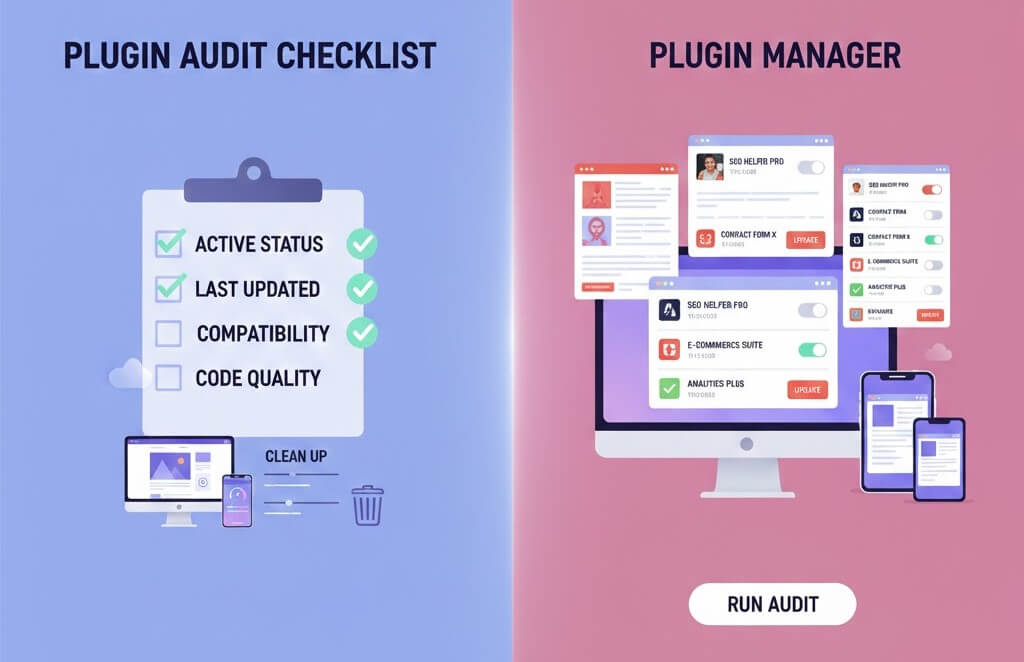
Plugins are powerful but dangerous when unmanaged.
How to evaluate plugins
- Does it load assets globally or conditionally
- Is it actively maintained
- Does it duplicate core or hosting features
Practical actions
- Remove plugins you no longer use
- Consolidate overlapping functionality
- Replace simple plugins with lightweight alternatives or custom code when appropriate
Why this matters
Each plugin adds overhead. Fewer, better plugins improve speed and stability.
Step 6: Optimise Images for Real-World Performance

Images are usually the largest files on a page.
What actually works
- Convert images to WebP or AVIF
- Resize images before uploading
- Compress without visible quality loss
- Lazy load below-the-fold images
- Use responsive image sizes
Uploading camera-sized images and relying on WordPress to scale them wastes bandwidth and hurts LCP scores.
Why this matters
Image optimization alone often produces the biggest immediate speed gains.
Step 7: Implement Caching at Multiple Levels
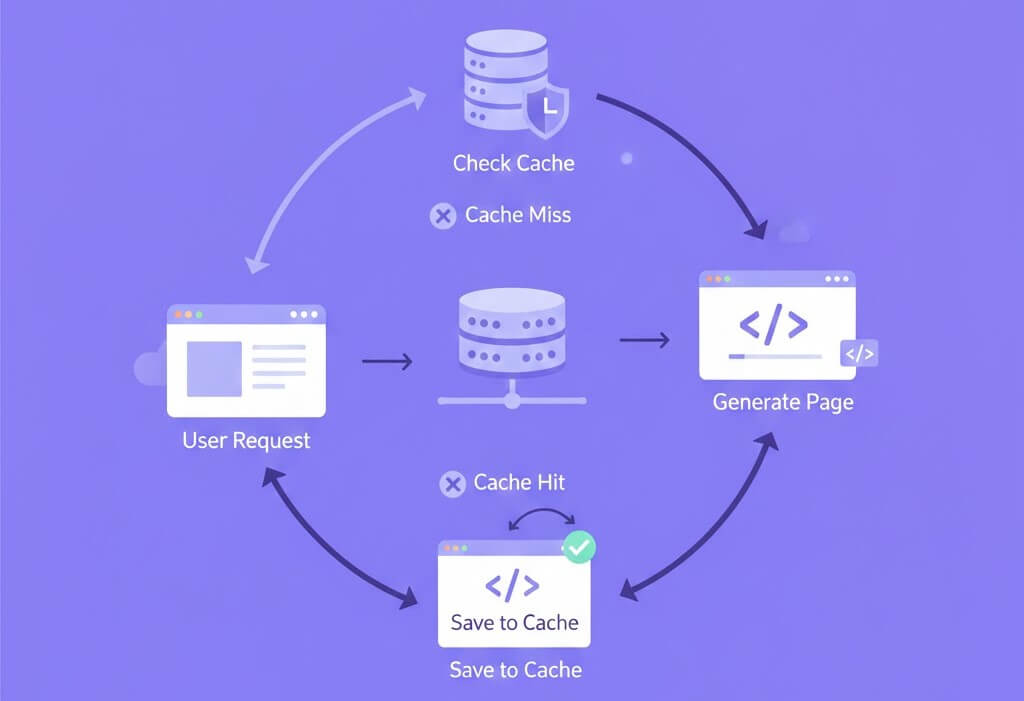
Caching prevents WordPress from rebuilding pages on every visit.
Essential caching layers
- Page caching to serve static HTML
- Browser caching for returning visitors
- Object caching for database queries
Best practices
- Use one caching plugin only
- Exclude dynamic pages like carts and dashboards
- Clear cache automatically after content updates
Why this matters
Caching can reduce server response times by an order of magnitude.
Step 8: Minify and Optimize CSS and JavaScript Carefully
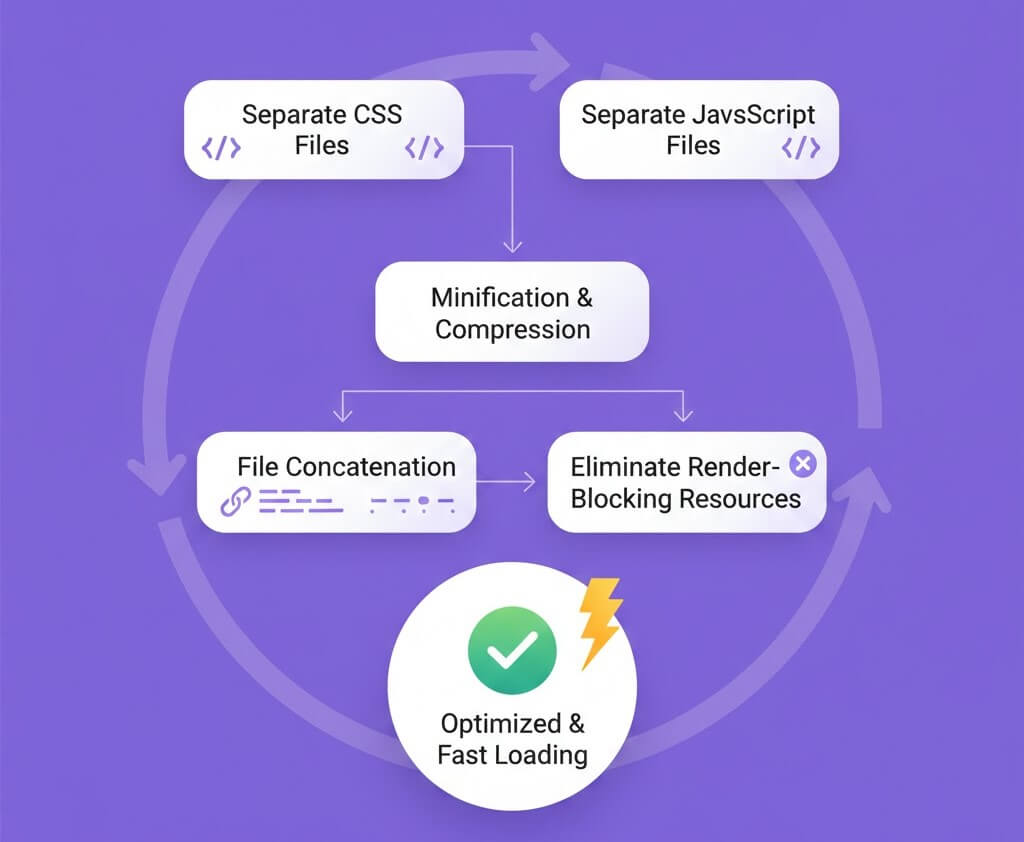
Asset optimisation must be deliberate.
What helps
- Minifying unused CSS
- Deferring non-critical JavaScript
- Removing render-blocking assets
What to avoid
- Enabling every optimization toggle blindly
- Combining scripts that load conditionally
- Breaking interactivity for marginal gains
Why this matters
Poorly configured optimization causes layout shifts, broken features, and a worse user experience.
Step 9: Use a CDN Strategically

A Content Delivery Network reduces latency for global visitors.
When a CDN makes sense
- International traffic
- Media-heavy sites
- Traffic spikes from campaigns
Key configuration points
- Cache static assets aggressively
- Align CDN and WordPress cache rules
- Monitor cache hit ratios
Why this matters
Distance creates delay. CDNs bring content closer to users.
Step 10: Optimize and Maintain the WordPress Database
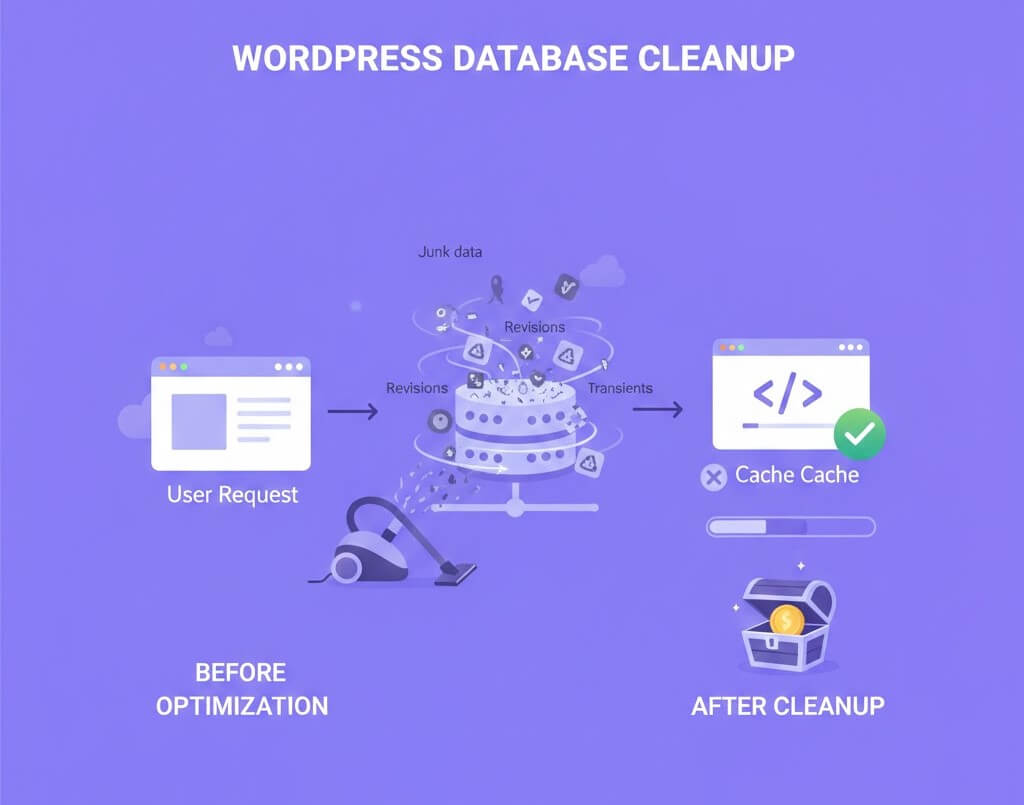
Databases accumulate clutter silently.
What to clean safely
- Old post revisions
- Spam and trashed comments
- Expired transients
- Orphaned metadata
Best practices
- Schedule monthly cleanups
- Always back up before optimisation
- Avoid constant aggressive cleaning
Why this matters
A lean database improves both front-end and admin performance. To know more about best practices to keep your wordpress website secure, you would love reading this article we wrote a while ago.
Step 11: Reduce Third-Party Scripts and External Requests
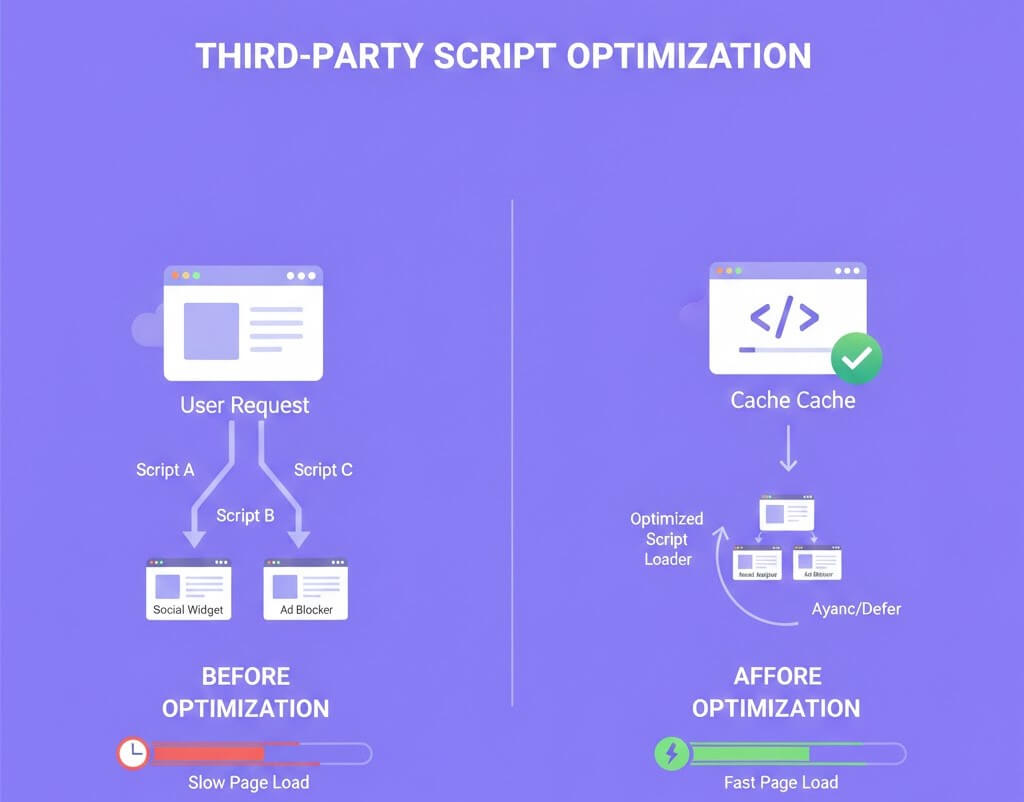
Every external script adds risk and delay.
Common offenders
- Analytics stacks
- Chat widgets
- Ad networks
- Embedded fonts and media
Practical improvements
- Load scripts conditionally
- Self-host fonts where possible
- Lazy load embeds like videos and maps
Why this matters
Third-party requests block rendering and are outside your control.
Advanced WordPress Speed Optimisation Techniques
Once fundamentals are in place, advanced strategies can deliver further gains:
- Edge caching through CDN integration
- Preloading critical assets
- Conditional plugin loading per page
- Speculative loading for faster navigation
- Static site generation for low-change content
These techniques require testing but scale well for competitive sites.
Scannable WordPress Speed Optimization Checklist
- Measure speed with multiple tools
- Use performance-optimized hosting
- Keep WordPress updated
- Choose a lightweight theme
- Audit and reduce plugins
- Optimize and lazy load images
- Configure caching properly
- Minify assets carefully
- Use a CDN when appropriate
- Clean and maintain the database
- Reduce third-party scripts
- Monitor performance continuously
Frequently Asked Questions
1. How fast should a WordPress site be in 2026?
Aim for under 2.5 seconds for main content on mobile connections.
2. Do speed plugins guarantee better rankings?
No. Speed plugins help, but hosting, theme quality, and configuration matter more.
3. Is WordPress still competitive for performance?
Yes. Properly optimized WordPress sites can match or exceed most CMS platforms.
4. Should beginners attempt speed optimization?
Yes, with backups and testing. Most optimizations are low risk when done carefully.
Conclusion: Speed Is a System, Not a Hack
WordPress speed optimization is not a one-time task. It is a system that combines infrastructure, clean design decisions, disciplined plugin use, and ongoing monitoring.
By following this wordpress speed optimization checklist, you build a site that loads faster, converts better, and stays competitive as search and user expectations evolve.
If performance is critical to your business or client work, a professional page speed optimization expert can save time and prevent costly mistakes.